

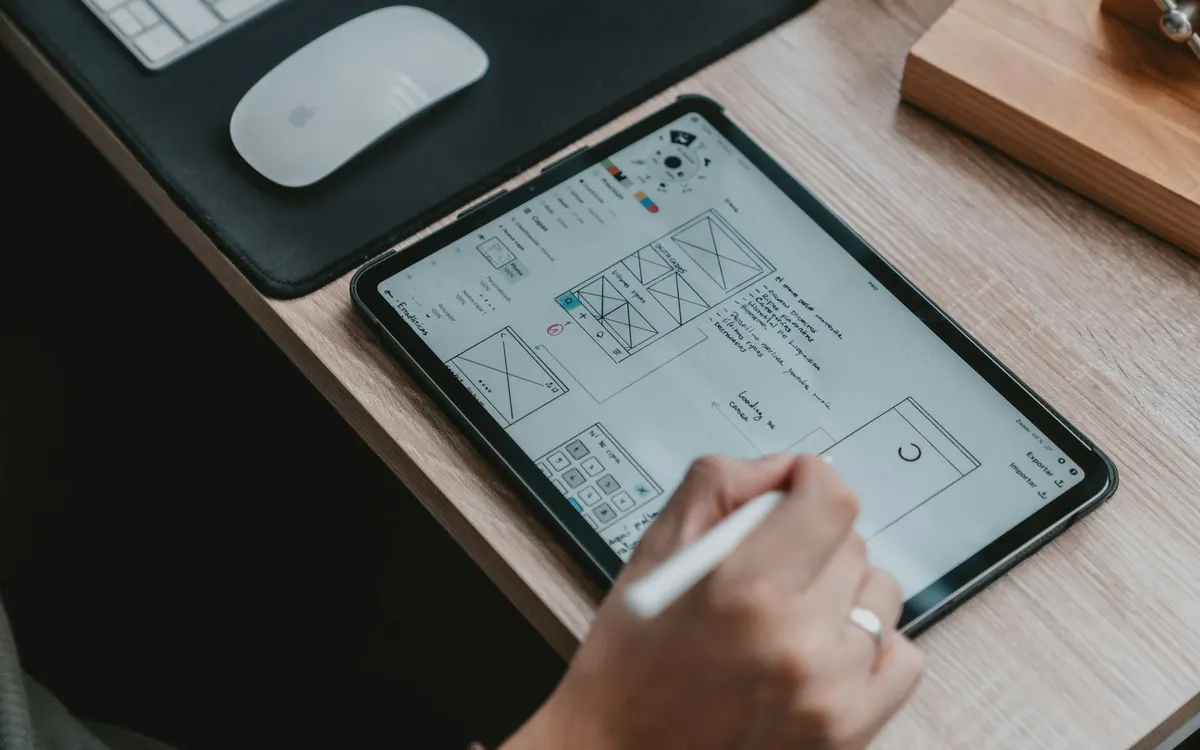
Changing a design in Figma takes minutes. Changing the same thing after it has been built, tested and connected to a CMS can take days. That simple economic fact is why every project we take on includes design approval before development begins.
What a prototype is (and isn't)
A prototype is a clickable simulation of the real experience. It is not a finished product, and it doesn't need to work with real data. Its job is to answer questions:
- Can users find what they need?
- Does the page hierarchy make the main action obvious?
- Does the layout hold up on a small phone screen?
The process we follow
- Wireframes — grey-box layouts to agree structure and content priority.
- Visual design — high-fidelity designs for key templates, using a shared component library.
- Interactive prototype — linked screens, states and key interactions.
- Review and approval — stakeholders click through on their own devices and leave comments in context.
- Developer handoff — spacing, typography and component specs ready to build.
Why it saves time and money
Stakeholders react to experiences, not descriptions
Most feedback that would otherwise arrive late in development surfaces as soon as people use the prototype.
Edge cases appear early
Empty states, error messages, long product names and mobile menus are designed deliberately instead of improvised during the build.
Development becomes predictable
When the design is approved, developers are implementing decisions — not making them.
A prototype turns "I'll know it when I see it" into "I've seen it, let's build it."
Building a design system along the way
Every prototype we create is built from reusable components — buttons, cards, form fields — with defined variants. That component library becomes the blueprint for the coded design system, which keeps the live site consistent long after launch.
Should every project be prototyped?
For a small content update, no. For any new website, store, or application — or a major redesign — a prototype is the cheapest insurance you can buy.